AI portrait generator for families, couples, and friends.
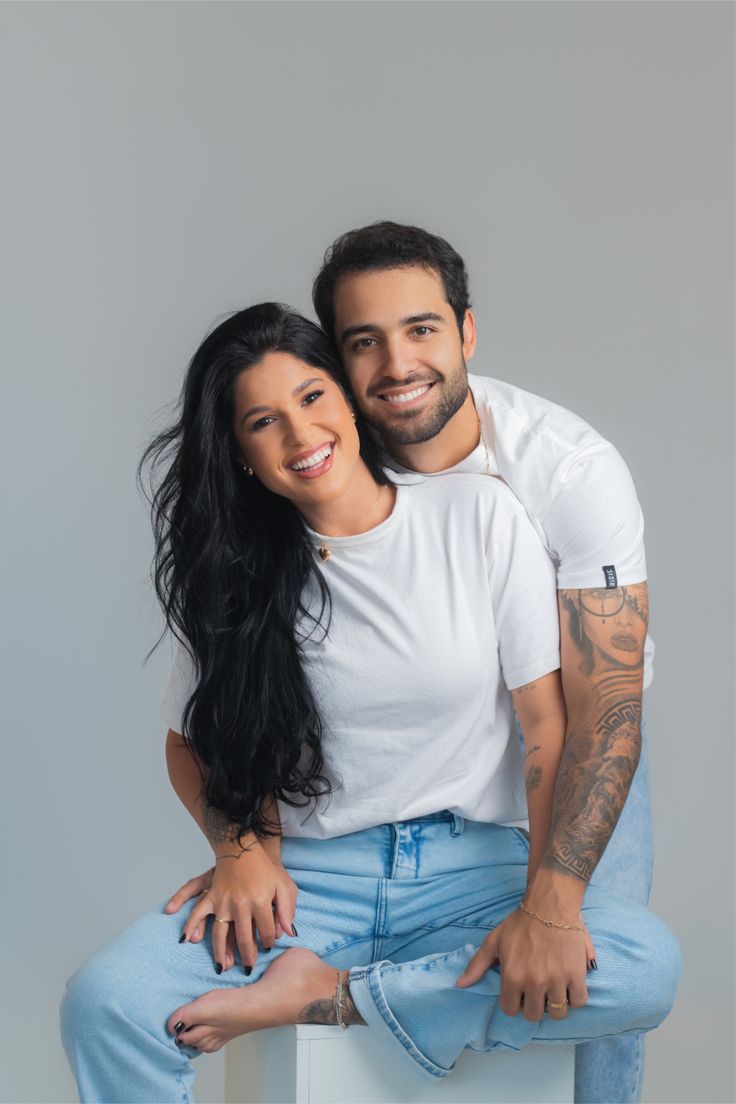
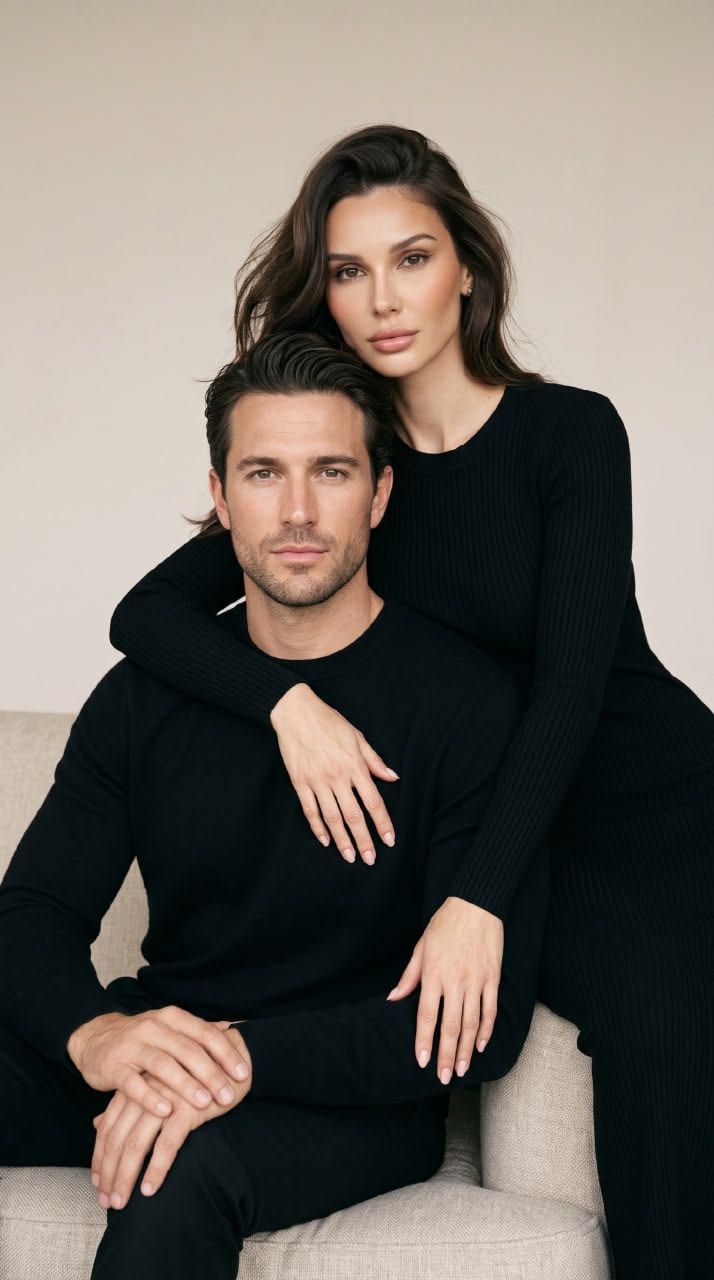
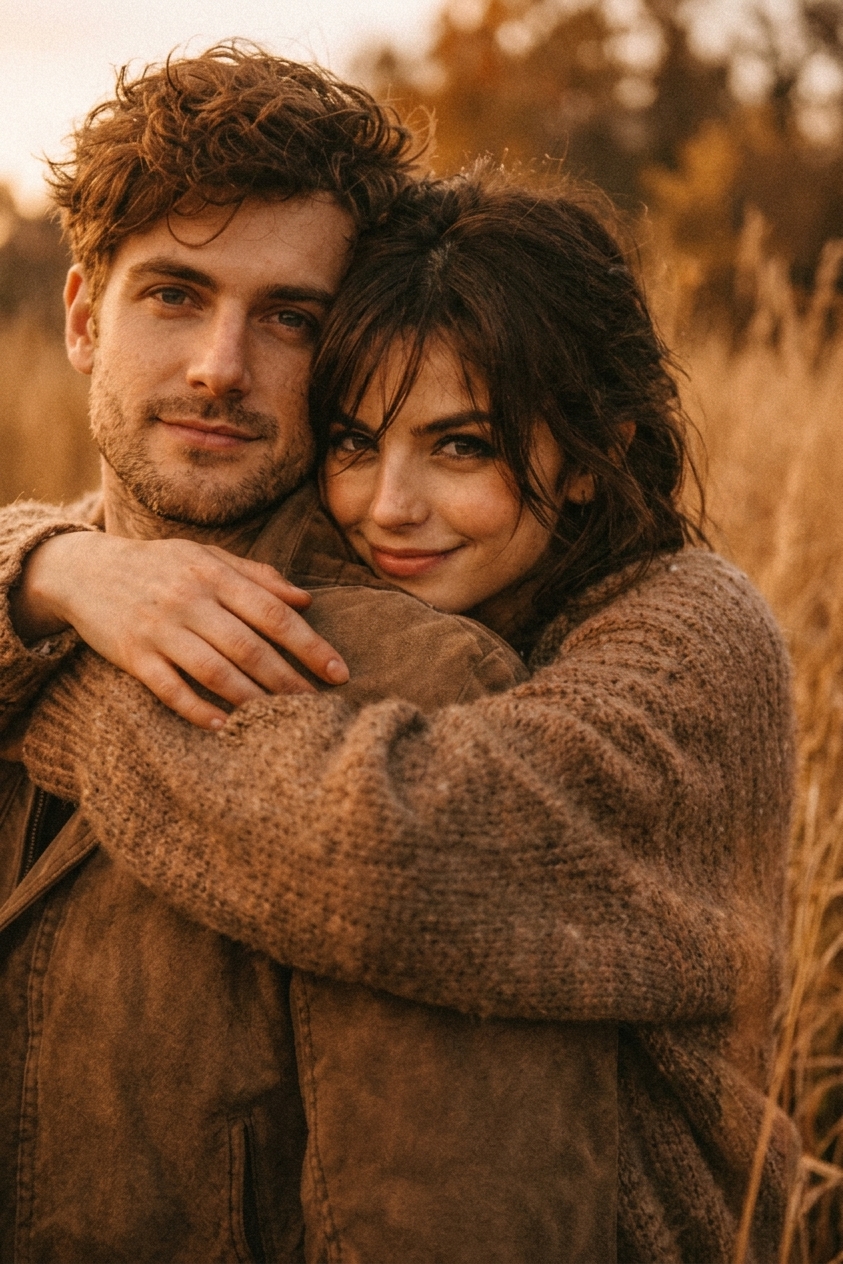
Studio-quality AI portraits, in seconds. Pick a template, upload one or more photos, and create a new portrait inspired by the pose and style you choose.
PortraitStudioAI turns your own photos into studio-quality portraits. Choose a template, upload one or more photos, and create family portraits, couple and wedding photos, kids portraits, Christmas cards, and playful cartoon or chibi versions to download in HD.
Pick a template
Choose from family, weddings, cartoon, chibi and more.
Upload photos
Add one or more photos of yourself for identity reference.
Generate & download
AI renders your portrait in seconds — download in HD.
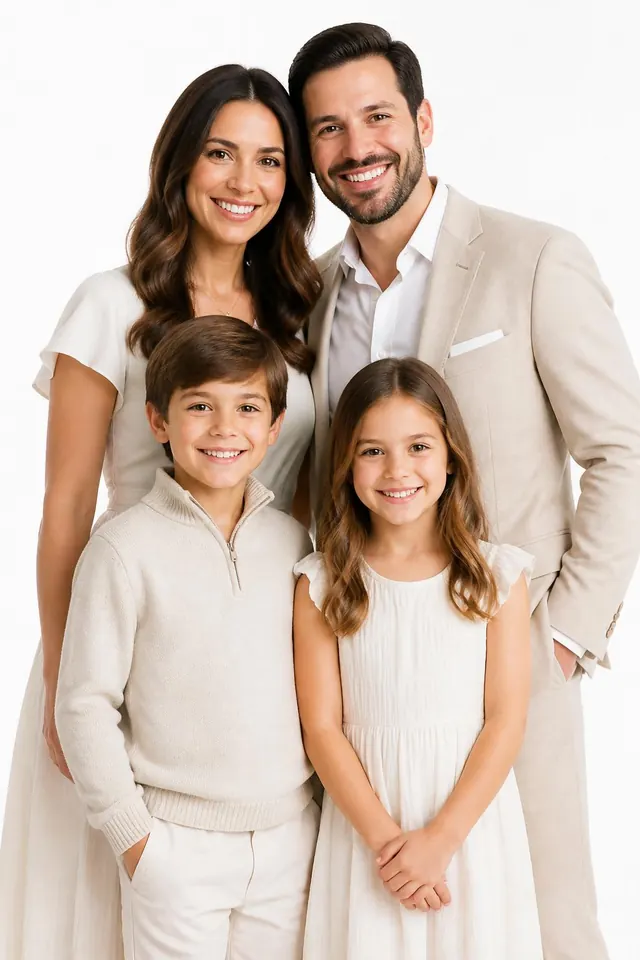
Timeless family portraits, without the studio.
Upload a few photos of your loved ones and generate clean, studio-style family portraits that preserve every face.
Try family templatesBest friend portraits, celebrate the squad.
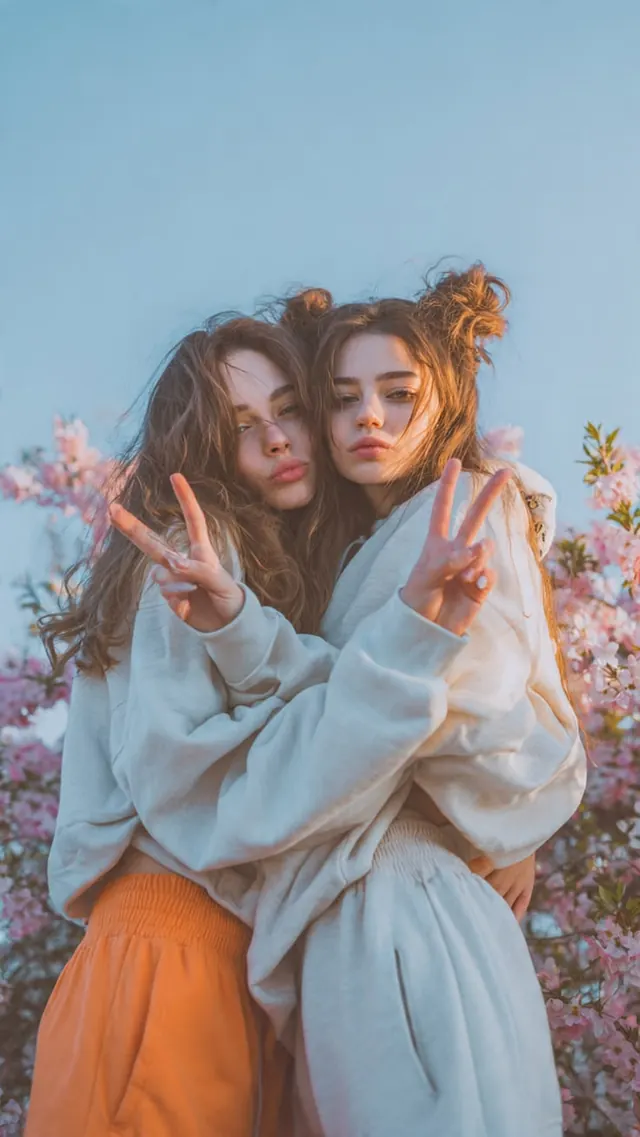
Upload photos of you and your friends and generate fun, stylish group portraits that keep every face real.
Try friends templates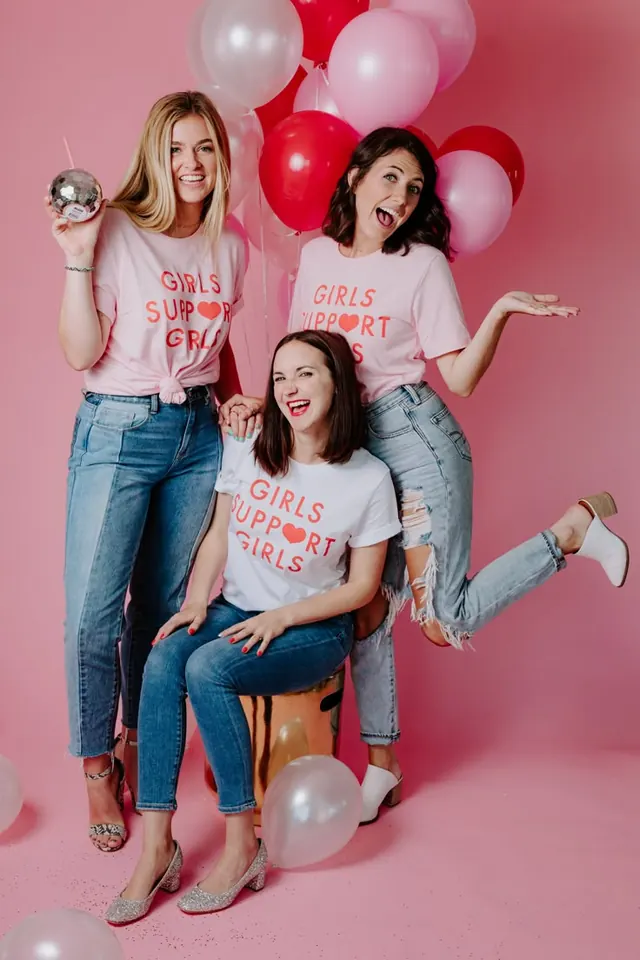
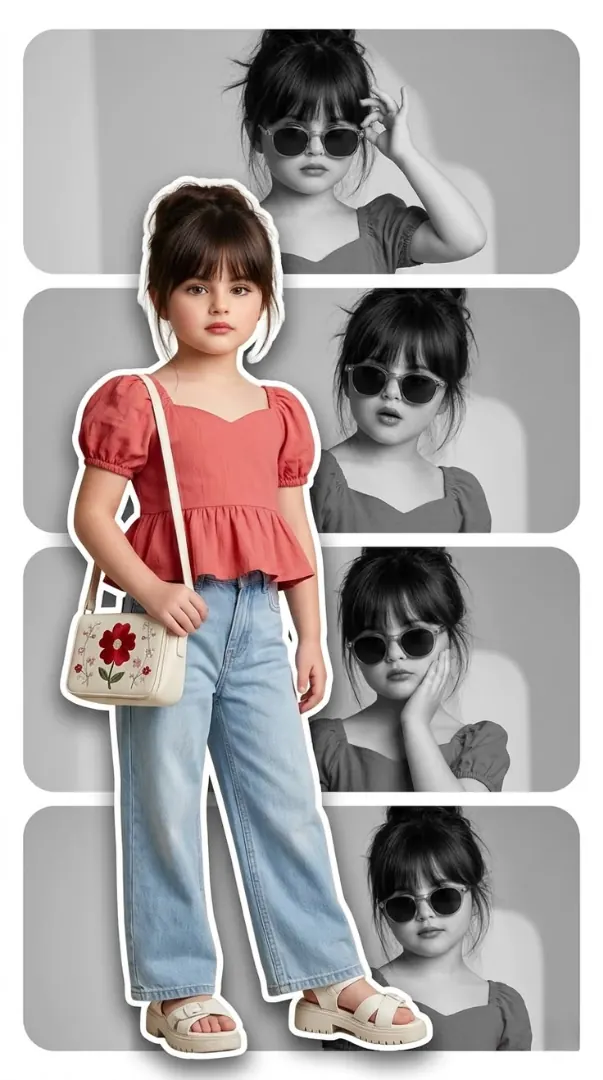
Adorable kids portraits, full of personality.
Upload photos of your little ones and generate charming, stylish kids portraits that capture their unique spirit and fashion sense.
Try kids templatesCartoon portraits, playfully you.
Transform your photos into delightful 3D cartoon-style portraits. Fun, expressive, and full of charm — perfect for sharing with family and friends.
Try cartoon templates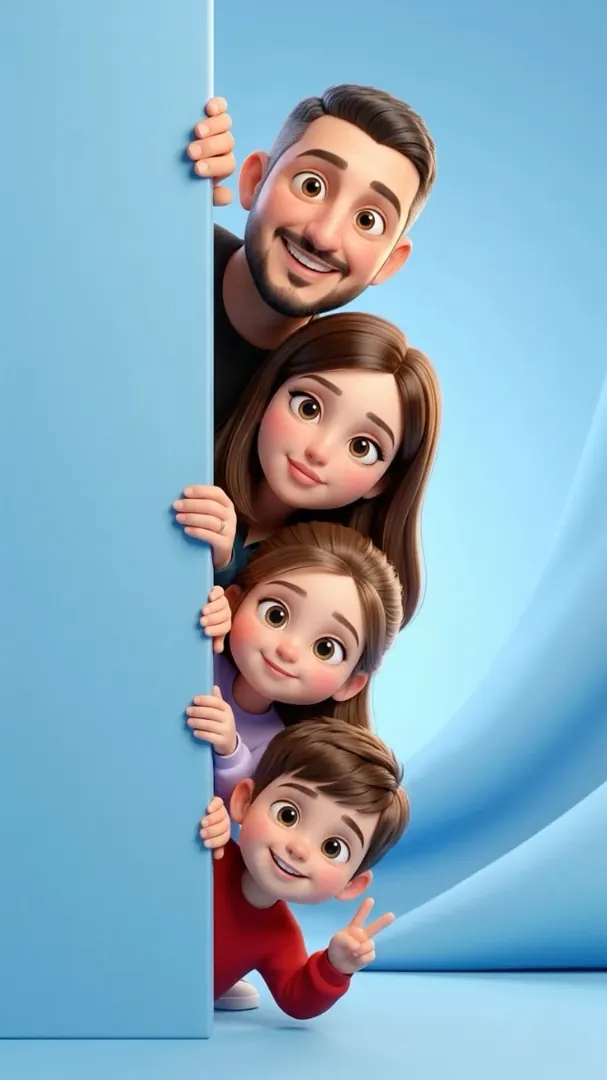
Create Album
Choose an album design, upload up to four photos, and add your own text. Create a personalized collage inspired by the reference.
Create AlbumFeatured templates
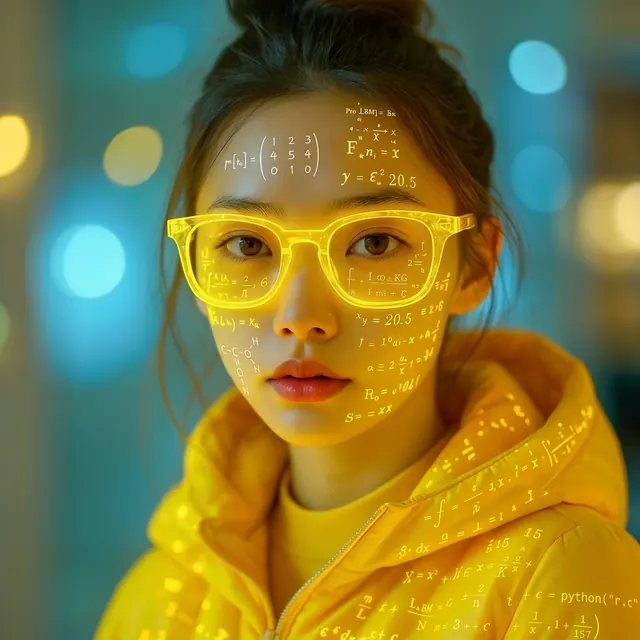
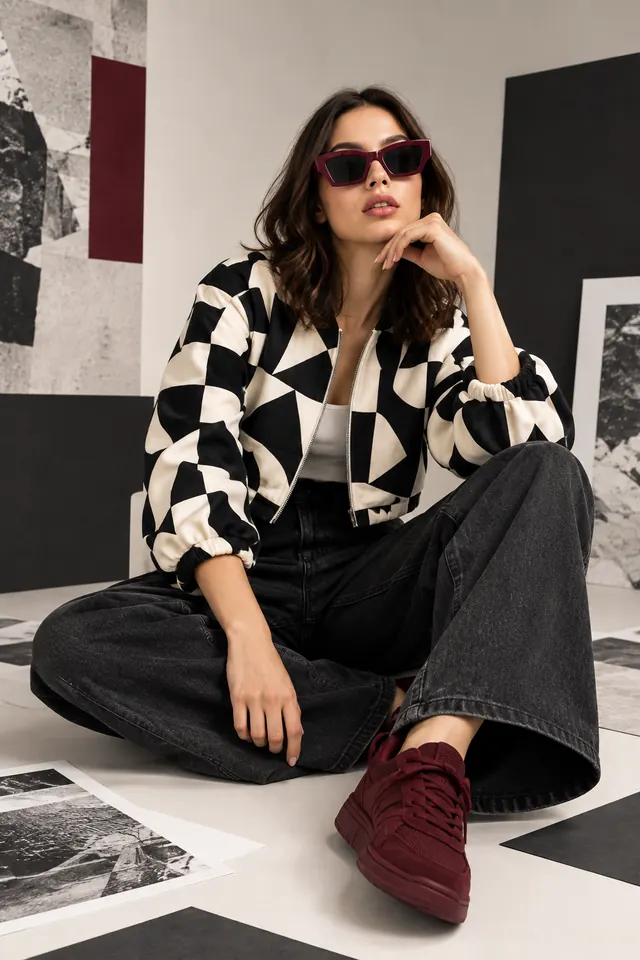
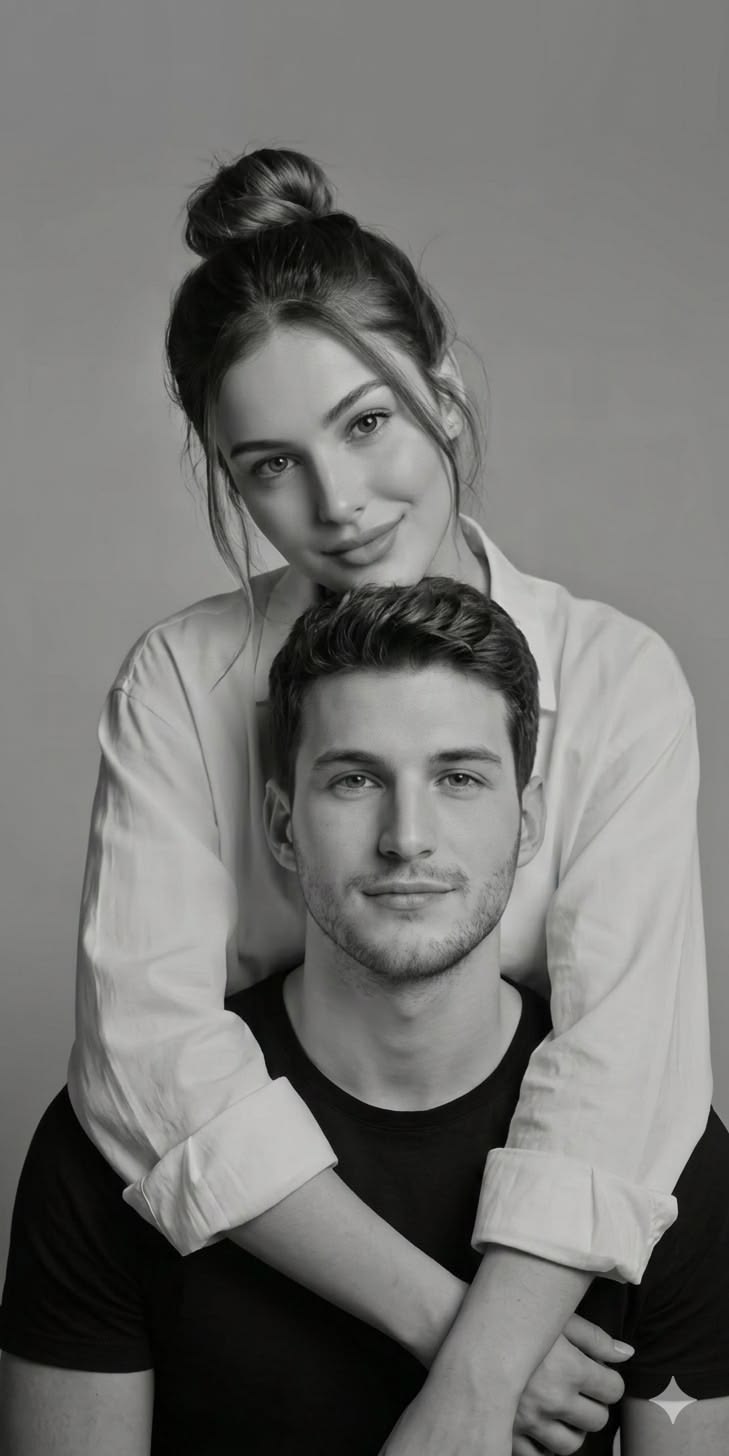
View all →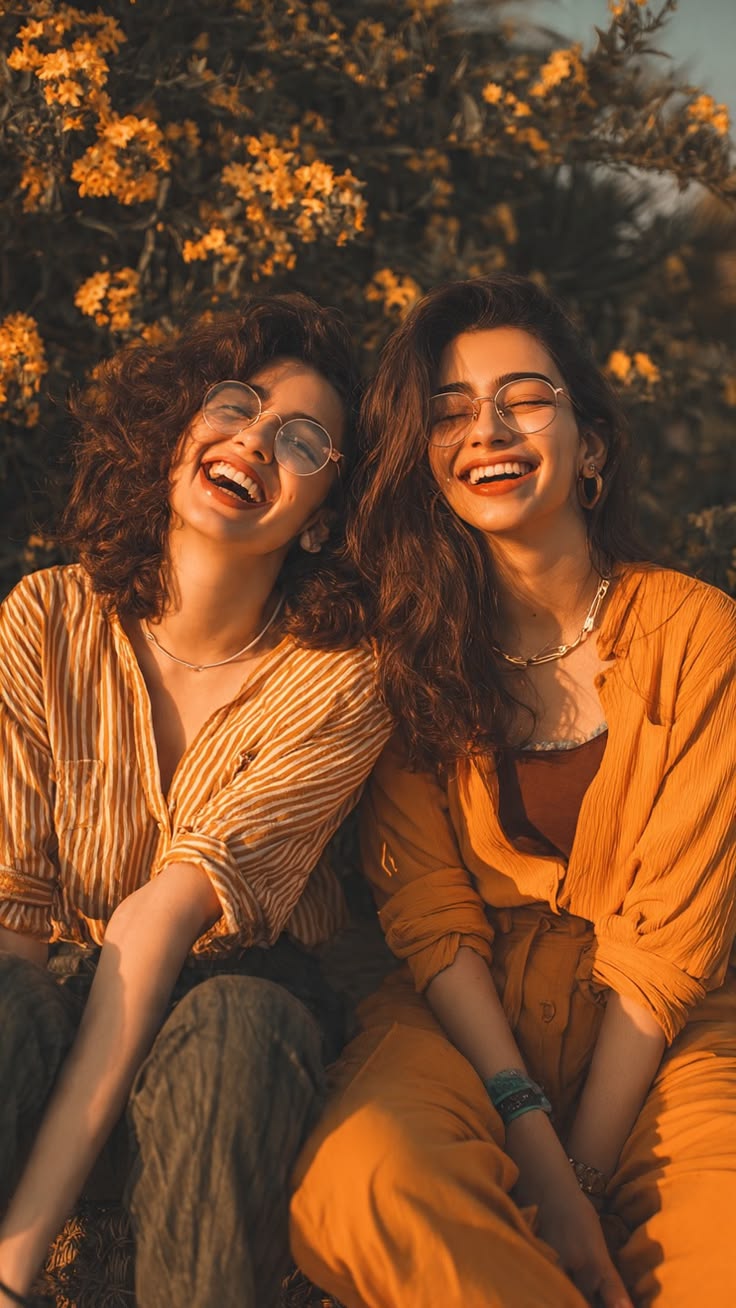
Frequently asked questions
How does the AI portrait generator work?
Choose a portrait template, upload one or more clear photos, and generate a new AI portrait inspired by that template. The result is designed to keep the people in your photos recognizable while applying the chosen composition and style.
How many photos should I upload?
One clear, well-lit face photo is enough to start. Uploading up to four photos from different angles can give the AI more detail to work with, especially for a family, couple, or friends portrait.
Will the portrait look like me?
PortraitStudioAI uses your uploaded photos as identity references. AI results can vary, but clear front-facing photos with good lighting give the best chance of keeping faces recognizable.
Can I create family, couple, kids, and wedding portraits?
Yes. Choose from templates for family, couples, friends, children, weddings, Christmas, cartoon, and chibi portraits. Each template guides the style and composition of the result.
Can I download my portrait?
Yes. After a portrait is generated, you can download the finished image in high resolution from your generation result.
What happens to my uploaded photos?
Your photos are used to create your requested result. Review the Privacy Policy for the current details about storage, retention, and account controls before uploading photos.